
ATM24 wireless microphones
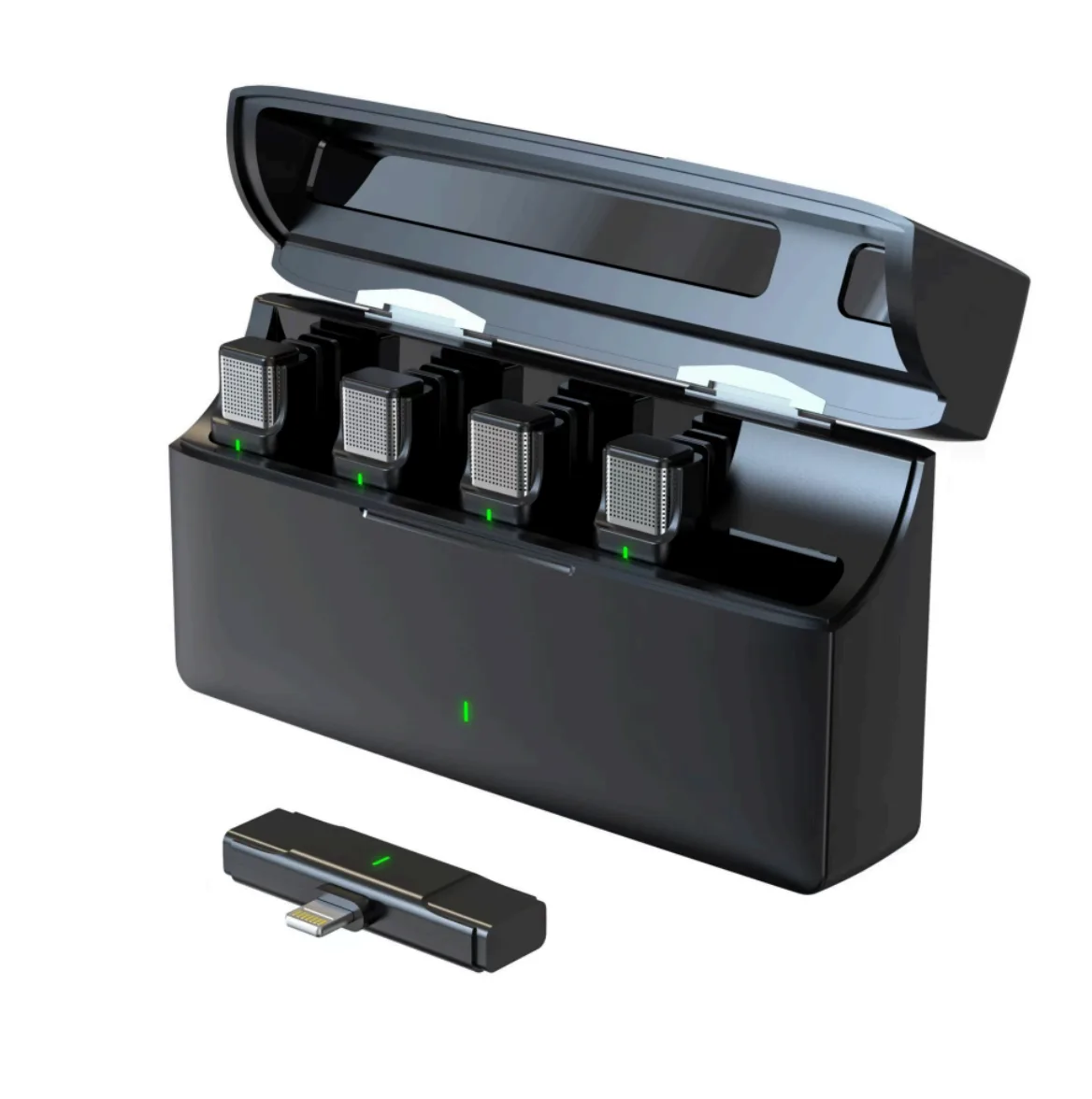
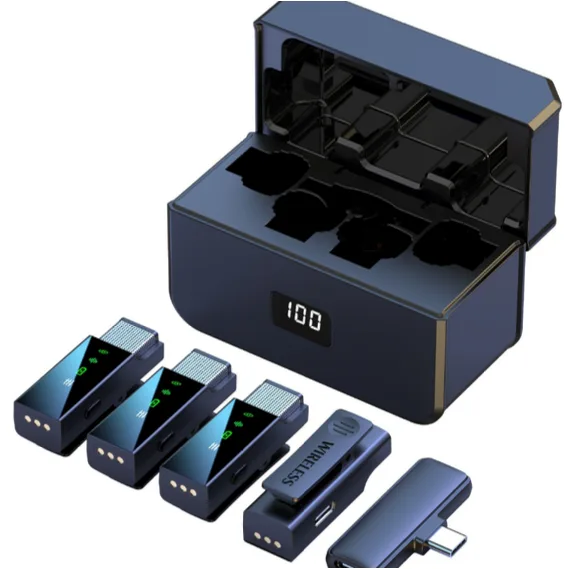
Topical's most extensive set, for the largest meeting rooms.
Start at the source, boost the quality of your recording
Topical is only as good as the recording it gets. Clear audio at the source means more accurate transcripts, more reliable speaker recognition, and summaries you can actually trust, without having to correct anything afterwards.
Quick start
Ready for your first recording within a few minutes.
Charge the set
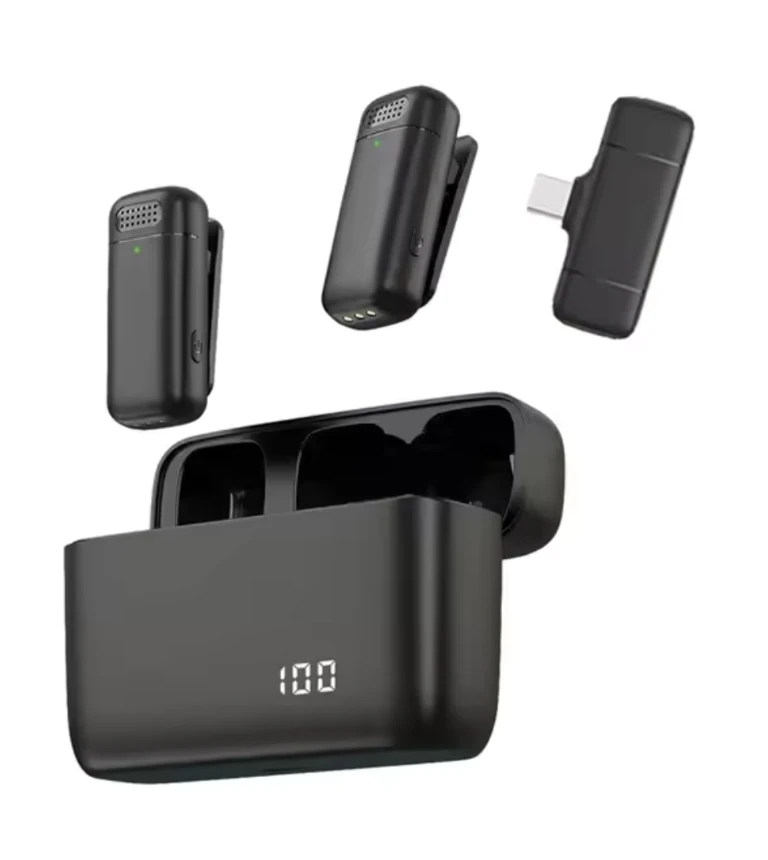
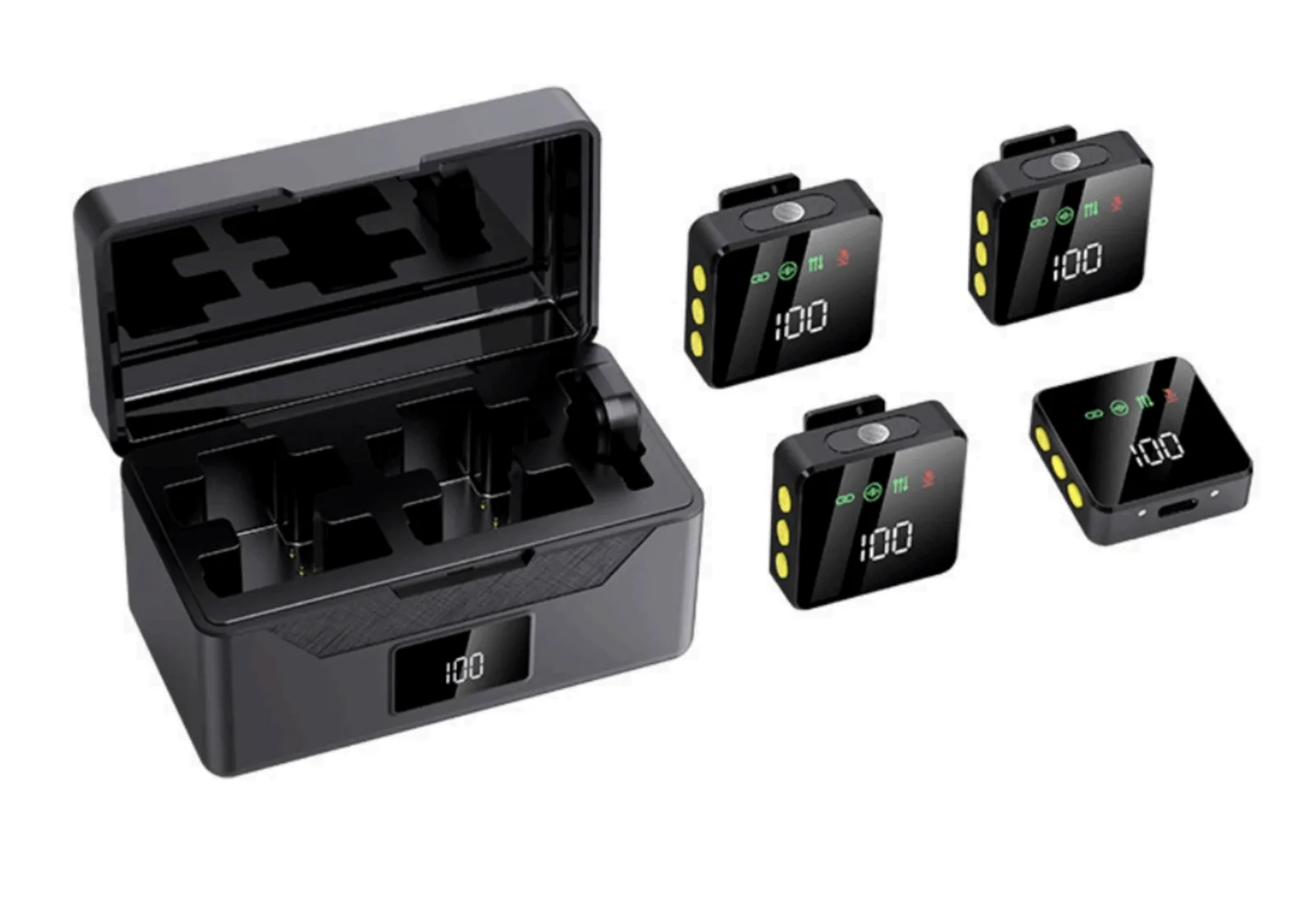
Place all microphones in the case and connect it to power with the included USB cable. The LED light shows when everything is fully charged.
Connect to your device
Plug the USB-C receiver into your phone, tablet or laptop. Most devices automatically select the new microphone instead of the built-in one. Recording in Topical for the first time, your browser will first ask for permission. In that pop-up you also choose which microphone to record with.
Turn on the microphones
Take the microphones out of the case and briefly hold the button on the side. The connection is made within a few seconds. When the light turns green, you can start recording in Topical.
Check the volume
In Topical you can see whether sound is being recorded. After starting, do a short round of introductions so you can immediately check what volume Topical is picking up.
Some phones stop recording as soon as the screen locks. Adjust your settings so the phone does not automatically lock during recording, or record via your laptop instead.
Placement and use during meetings
Do
- Wear the microphone at clothing height, preferably chest height.
- Keep 20–30 cm distance; being directly in front of your mouth isn't necessary.
Avoid
- Rough clothing or necklaces rubbing against the microphone.
- Bumping or moving the microphone while it lies on the table.
Recommended use
- Give a microphone to every active participant.
- More than 4 participants? One microphone per 2 participants works fine too.
- Switching between speakers is fine, but state names clearly so Topical applies speaker recognition (diarization) correctly.
The AI recognizes speakers based on sufficient audio data. The longer the recording, the more accurate the estimate. Recordings of just five minutes are often too short; thirty to sixty minutes give much better results.
When you need this set
Especially useful whenever you want to record sound in a large or acoustically challenging room. Think of an internal meeting with 5 to 10 people, or a members' meeting with 10+ people. Distribute the microphones strategically: to the chair and the speakers who usually talk the most.
Don't pass microphones around while someone is speaking. Moving or setting it down disrupts the recording. Only speak once you're holding the microphone or it's been set down.
Tips for the AI summary
Topical automatically recognizes actions and decisions, but only if you phrase them clearly. Use these fixed patterns:
Action items
Action for [name] to [task] with deadline [date].
"Action for Leon: send the quote, deadline January 12."
Decisions
Decision that we [decision] as of [date].
"Decision that we implement the new policy as of February 1."
Why this helps
- Topical has less to interpret.
- You prevent the AI from making incorrect assumptions.
- Actions are assigned correctly right away and appear correctly in the overview.
Maintenance
No water or cleaning products
Do not use water or cleaning products on the microphones.
Store dry, room temperature
Store the product dry and at room temperature.
Charge monthly
Fully charge the case at least once a month, even if you use the set infrequently.
Questions, or something not working as expected?
Our support team is happy to help via support@topicalmeetings.com or +31 (0)85 130 12 24.
The ATM24 is Topical's most extensive microphone set, tested and optimized for the largest meeting rooms.
Ready for crystal-clear recordings?
Order this microphone set and get the most out of every Topical recording.